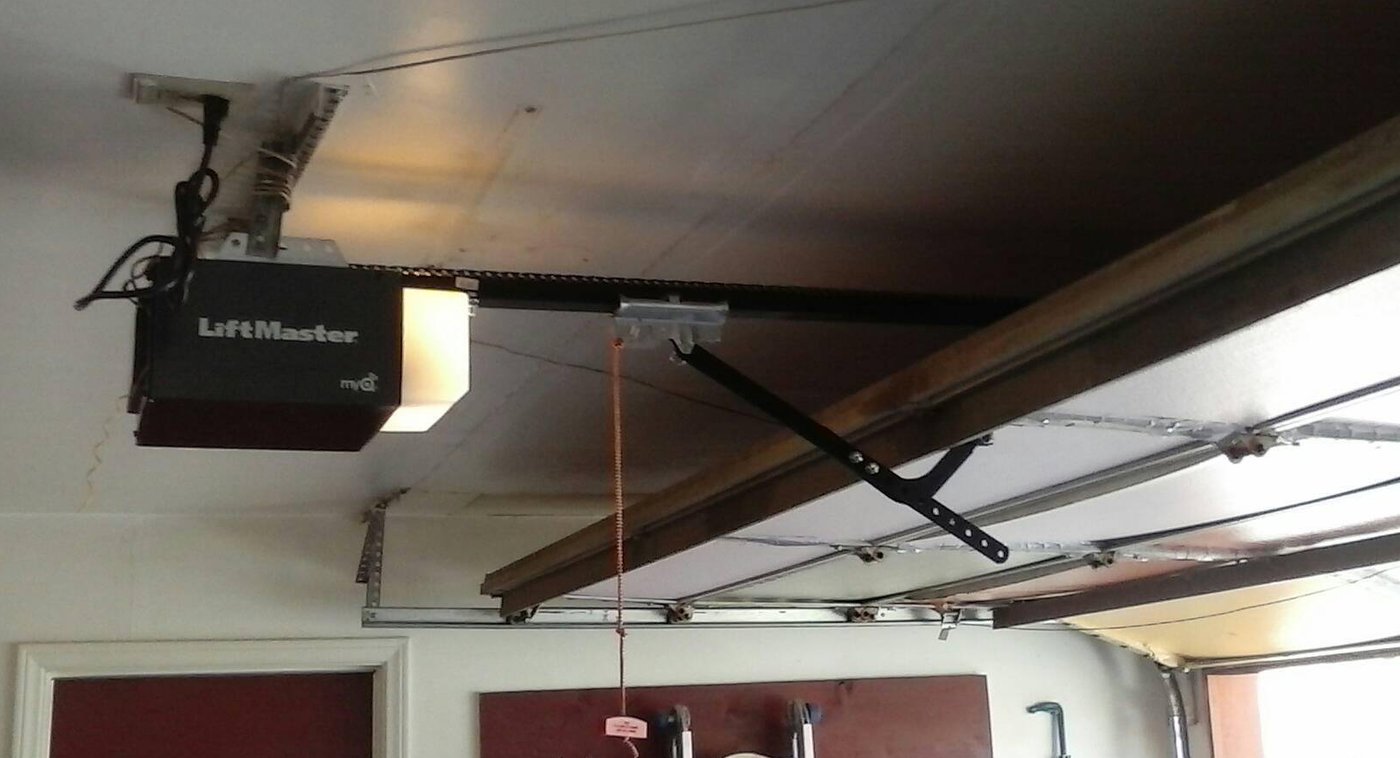
A garage door can open on its own when a remote button sticks, the wall control shorts, or the opener’s logic board fails. If it closes by itself, check for a myQ schedule or Timer-to-Close.
Make the garage safe first
Keep people and pets away from the opening and the moving door. If the door is already fully closed and you can reach the plug safely, unplug the opener. A model with battery backup can still run after you unplug it. Check your manual for how to disconnect the backup battery. If you can't safely reach the plug or isolate the backup battery, leave the opener alone and call.
If the door is open, partly open, or crooked, stay clear and leave the red emergency release alone. A door with weak or broken springs can fall when you disconnect it from the opener. Never stand under it to reach a plug or pull a cord. Keep the door from the garage into your house locked while you wait. If the garage won't close securely or the door is moving unpredictably, call (678) 271-8918 for emergency garage door repair.
What moved first?
The first direction of travel tells you where to look. If you found the door open later, check any footage you already have or ask the last person who used it whether they saw it reach the floor and stay there. A door that started up from a confirmed stop calls for different checks from one that went right back up during a close.
| What you saw | Where to start | What to check first |
|---|---|---|
| The door sat fully closed, then the motor started and lifted it | A remote, a wall control or its wiring, app access, or the opener’s logic board | Gather the remotes and check the app for activity around that time |
| The door started down, then went back up in the same cycle | A blocked safety sensor, an obstruction, a door that binds, or an incorrect close setting | Look for something in the opening and check the sensor lights from a safe spot |
| The door reached the floor and immediately went back up | Close travel, the setting that tells the opener where to stop, or a door problem | Note whether the door touches the floor before it turns around |
| The door closed after sitting open for about the same length of time | Timer-to-Close on a compatible opener or wall panel | Check the panel for a timer setting |
| The door closed at about the same clock time on different days | A myQ close schedule | Check Schedules for that door in the app |
| The app says the door opened, but the door never moved | An incorrect or delayed status alert | Check the door’s actual position and compare it with the notification history |
| The door moved while the opener was disconnected or fully without power | A door hardware or balance problem | Stay clear and call for service |
The safety sensors, also called photo-eyes, sit low on either side of the opening. Their beam can stop a close or send a closing door back up when something interrupts it. Once the door is secure, clear any objects from the opening. If you saw a sensor light blink while the opener was powered, use our garage door sensor troubleshooting guide to see what it means. Leave the sensors connected. If the door keeps reversing, catches on the way down, or fails its safety reverse test, stop using it and call. If the rollers have come out of their tracks, follow the steps for a garage door that's off track.
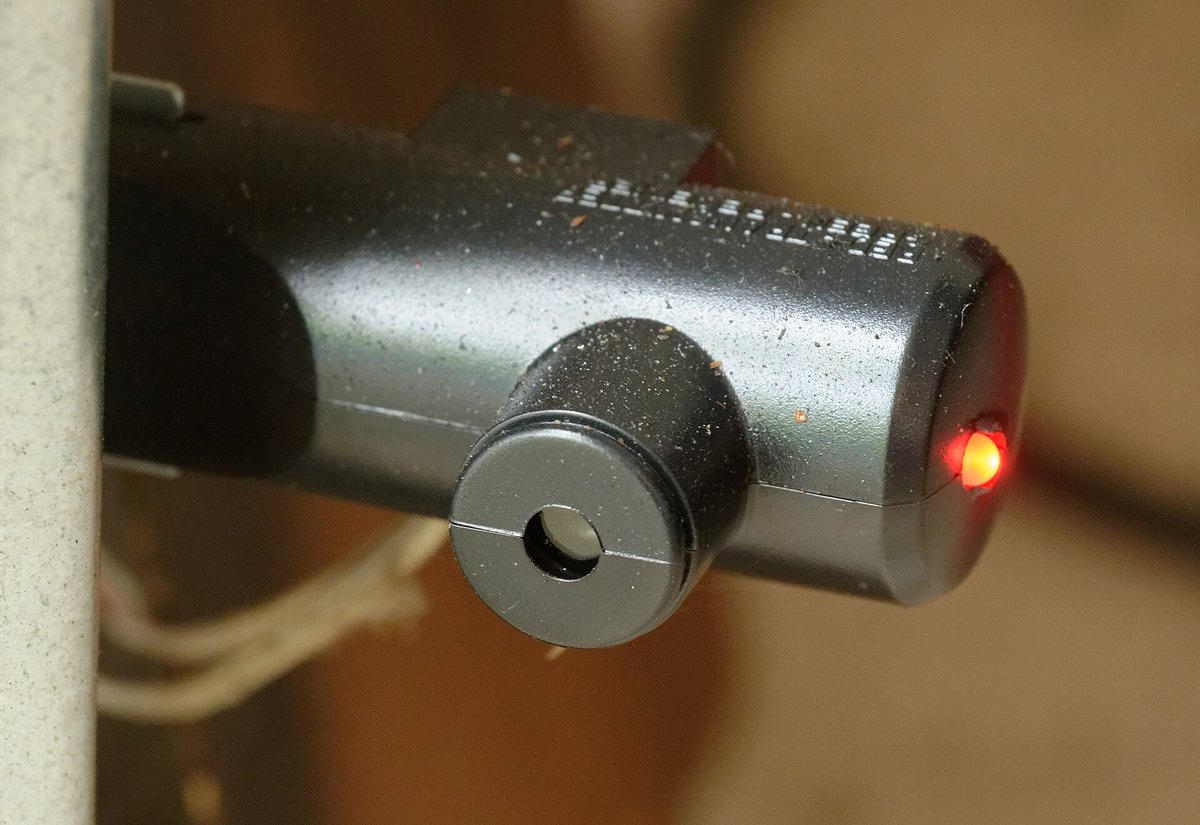
Photo by Jud McCranie. Resized. Original photo on Wikimedia Commons · CC BY-SA 4.0.

Check remotes and the wall button
A remote button is stuck or being held down
Round up every handheld remote, including the spare and the one in the other car. Take each one out of its usual spot. Keys in a pocket, items in a center console or something pressing against a visor remote can hold a button down. With the opener out of service, check whether each button springs back when released. A button that sits lower than the others or stays down after you let go is worth isolating.
Remove the battery from a suspect remote using its battery compartment. If more than one looks suspect, keep them all out of use until you can check each separately. On compatible LiftMaster and Chamberlain models, a rapidly flashing light next to the opener’s Learn button can indicate a steady signal from a remote. If you already saw that pattern stop when one remote’s battery came out, tell the technician which one. There’s no need to power up an unpredictable door just to look for the light.
If a button still sticks after you take the remote out of the place it was stored, leave that remote out of service and replace it with a compatible one. If the problem only happened when the remote was wedged against something, keep it where the buttons stay clear. Ask everyone who uses the garage about built-in car buttons too, especially if incidents line up with a vehicle arriving or leaving.
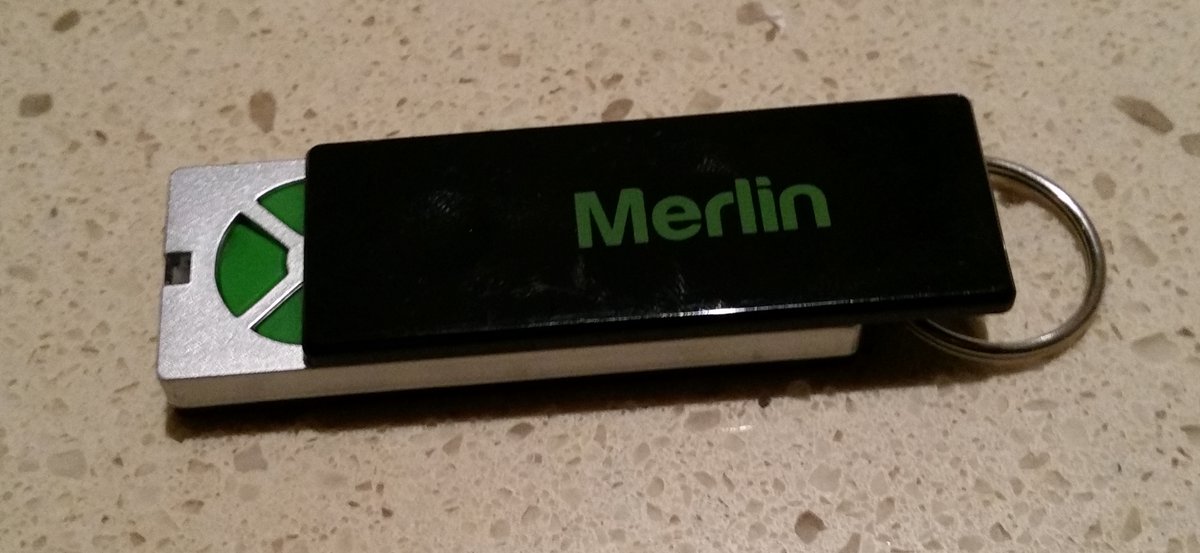
Photo by Photnart. Cropped and resized. Original photo on Wikimedia Commons · CC BY-SA 4.0.

The wall button or its wiring has a short
The wall control is the button or panel inside the garage. A stuck button or a short in the control or its wiring can send the opener a signal without anyone touching the panel. Genie’s troubleshooting guide specifically calls out staples or nails that cut into the wire covering. If the trouble began after work near the wall control or along its wire, make a note of where that work happened.
With the opener unpowered, look at what you can see from the floor. Is the push bar caught against the trim? Is there an obvious pinch or damaged spot where the wire runs up the wall? Leave the wire and staples alone, and keep the opener off if the control or wiring looks damaged. The wire to the wall button and the wires to the safety sensors serve different purposes. A technician can isolate the wall control and its wiring while keeping the safety sensors in place.
An old remote still works, or a neighbor’s remote is using the same code
On older fixed-code systems, a set of small sliders called DIP switches sets the code. If a nearby compatible remote uses the same switch pattern, it can operate the door. The same goes for an old remote you once used with that opener. Look up the opener and receiver models before changing anything. For a fixed-code system, follow the manual to set a new matching switch pattern on your receiver and the remotes you’re keeping. If the receiver switches require opening the motor housing, leave that work to a technician.
With a rolling-code opener, which changes the transmitted code as the remote is used, Chamberlain identifies another possibility. A neighbor’s compatible remote was accidentally paired while your opener was in Learn mode. A remote from a previous owner or one you’ve lost can also stay in the opener’s memory. If you don’t know what’s paired, clear the opener’s saved devices and add back the ones you use.
Check myQ schedules, shared access and Timer-to-Close
A myQ schedule closes the door at a clock time. If it closes at the same time each evening, select that garage door and find Schedules in the myQ app. The menu path varies with the version. Check the days and times, then switch off any schedule you don’t recognize or no longer want. In myQ, garage doors can be scheduled to close only. If the door opened from a complete stop, check for a direct app command or another cause.
Check who can control the door. Review the app’s history around the time of the incident, and ask the people with access whether they operated it. In myQ, open Settings and check Users for anyone who no longer needs access. If a previous owner still controls the account, use myQ’s instructions for transferring ownership or resetting that device. Clearing clickers from the opener and removing shared users in the app are separate jobs.
Timer-to-Close counts from when the door opens. Some LiftMaster panels have a setting called TTC. Once the door sits open for the set interval, the opener closes it. On the LiftMaster 8164W with a compatible panel, the opener beeps and flashes before and during that close. Check the wall panel’s TTC setting even if you found no app schedule. On the 880LMW Smart Control Panel, look for TTC in the panel menu and set it to Off while you troubleshoot. Use your panel’s manual if the controls look different.
If you got an alert while you were away and found the door still shut, compare the app’s timestamp with any footage you have. On setups that use a separate myQ hub and a battery-powered door sensor, a low sensor battery can cause an incorrect status. That sensor is attached to the door. The photo-eyes at floor level are part of the opener’s reversing system.
How to clear your remotes and keypad codes
Clear the opener’s receiver memory if a remote is missing, you just moved in, or you suspect an unintended pairing. Changing the number you type on the keypad alone leaves previously paired remotes in memory.
Before you start, find the opener model number and its manual. Gather the remotes and identify the keypad and any built-in car controls you want to keep. Have another way into the garage in case the keypad stops working during the reset. Programming requires power, so do it only when the door is sound, the opening is clear and the opener can be used safely. If the door is still moving without a command, leave the unit off and have a technician handle the reset. Use the manufacturer’s steps if you can reach the controls safely, or ask for help if you can’t.
| Opener or receiver | How to clear remote and keypad access |
|---|---|
| LiftMaster or Chamberlain with a Learn button | For models that use the standard Learn-button erase, hold Learn until its indicator goes out, about 6 seconds, then release. This clears the remotes and keypads stored by that receiver. Follow the model manual if Learn is on the wall panel. |
| Genie with Program/Set and arrow buttons | On models that follow Genie’s newer sequence, hold Program/Set until the round light turns blue, then release. Hold the Up and Down buttons together until both lights turn blue, then release as directed in your manual. |
| Genie with a Learn Code button | On Genie models with the older Learn Code control, hold it until the indicator stops blinking. Use the instructions for your receiver if it is a separate unit. |
| Older fixed-code system with DIP switches | Use the manual’s switch-setting instructions. Match the receiver and the remotes in use, then follow any separate keypad instructions for that system. |
After clearing the memory, follow these steps in order.
- With the doorway in sight and clear, check a known remote and the old keypad PIN before pairing anything. On a system you just erased, neither should operate the door. If one still works, you could be dealing with a separate receiver. Verify which device stores the pairing before repeating the erase.
- Pair only what you use. Add back a known remote and test it, then do the same for the others and any built-in vehicle controls. Follow the guide to program a garage door remote or car button for model-specific directions. When your manual calls for a brief press of Learn to pair a remote, release the button. Holding it can erase the devices you just added.
- Set and test a fresh keypad PIN. Use the garage door keypad code guide for your keypad’s pairing and PIN steps. Test the new PIN, then verify the old one no longer works.
- Check app access separately. Recheck users and schedules if the opener is connected. Some add-on myQ hubs use a stored remote code and need to be paired again after the erase. Genie says clearing the remote memory on its supported units leaves Aladdin Connect access in place.
When to suspect the logic board or surge damage
The logic board is the circuit board inside the opener that handles commands. If the door still starts by itself after the technician rules out the remotes, app controls, wall button and wiring, the board is a candidate. The manufacturer’s diagnostic code for your exact model can give the technician another clue. If you can see a blinking pattern from the floor, write it down or record it from a safe spot.
If the behavior started after a lightning storm or power surge, tell the technician when it began and what else changed. Genie lists erratic movement, remotes or keypads that stop working, and unusual behavior from the opener lights as signs to investigate after a storm. The timing is a clue. A damaged wall-control circuit or wire can still produce similar symptoms, so have those checked before buying a board. During a thunderstorm, wait to handle power cords or electrical equipment.
Ask what failed and whether a compatible board is available if the technician confirms a board fault. An opener that otherwise works well has a different repair outlook from an older unit with no available parts or one that fails its safety reverse test. Our guide to repairing or replacing a garage door opener walks through that decision.
What you can check and when to call
| Safe checks when the door is secure | Work for a technician |
|---|---|
| Review schedules, app access and timestamps | Isolate a wired wall control and test the cable to the opener |
| Check loose remotes for stuck buttons and remove a suspect remote’s battery | Test or replace a logic board, or diagnose suspected surge damage |
| Read a visible status light or fault code from a safe spot | Inspect a door that drops, binds, sits crooked, or fails to reverse |
| Clear and re-pair access when the opener is safe to operate | Disconnect power or backup power when you can’t reach the controls safely |
Call if the door moves uncommanded again, you see damaged wiring, or the door cannot be left safely closed. You don’t need to run another cycle to show us the fault. Tell us which direction the door moved first, whether the motor ran, when it happened, and whether you heard a beep or saw a flash. The opener model, app history and what you already tried will help narrow down where to look.
All Four Seasons has been family-owned since 1999 and is an authorized LiftMaster dealer. For a recurring control, remote or opener fault, see our garage door opener repair service or LiftMaster opener repair. We provide 24/7 emergency service across Metro Atlanta and give you a written price before work starts. Call (678) 271-8918 to describe what the door is doing.
Frequently asked questions
Why does my garage door open by itself in the middle of the night?
If it was fully shut first and you heard the motor start, check for a held-down remote button, an old paired remote, shared app access, or a fault in the wall control or opener. If you only found it open later, also consider a reversal on the last closing cycle. If it keeps happening, leave the opener out of service and call.
Can a neighbor’s remote open my garage door?
Yes. An older fixed-code system can respond to a compatible remote with the same switch pattern. A compatible remote can also be accidentally paired to a newer opener. Match a new switch pattern on the fixed-code equipment you own, or erase and re-pair the authorized devices on a Learn-button system.
Can a bad safety sensor open a closed garage door?
The safety sensors act on the closing cycle. If the door was coming down and went back up, look for a blocked or misaligned photo-eye. If it had been fully down and still before the motor started, investigate the controls and opener.
Why does my garage door close by itself after I leave it open?
Turn off Timer-to-Close temporarily if your model has it, and check the myQ close schedules. A repeatable delay after opening fits a timer. The same clock time on different days fits a schedule. If there’s no matching timer, schedule or known command, stop using the opener and have it checked.
Will changing my keypad PIN erase old remotes?
Changing the PIN changes what you enter at that keypad. To take an old remote out of service, clear the opener’s receiver memory as directed in the manual, then pair the remotes, vehicle buttons and keypad you still use.
Can I leave the garage door opener unplugged?
Yes, if the door is fully closed and secure. Disconnect model-specific battery backup too if you can do it safely. Make sure you have another way into the garage before relying on this overnight. If you need to move an undamaged door while the opener is off, read how to open a garage door manually first.